
Our top 10 favorite CPU and GPU Render farms are Pixel Plow, GarageFarm.NET, RenderStreet, Fox...
Our top 10 favorite CPU and GPU Render farms are Pixel Plow, GarageFarm.NET, RenderStreet, Fox...
There are several factors to consider for the best workstation computer for Adobe After Effects is...

3D rendering is now an important part of many fields, such as architecture, product design, visual...
As a gamer or a PC enthusiast, choosing the right graphics card for your system is critical to...
Generally, brush lag in photoshop is caused by a setting called smoothing or many other factors...
TDP stands for Thermal Design Power, the maximum amount of heat a CPU generates and needs to...
If you want to increase the performance of your CPU, there are several steps you can take. One...
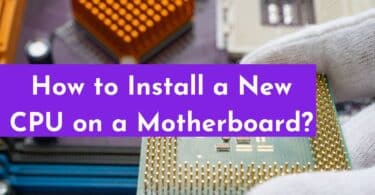
To install a new CPU on a motherboard, start by shutting down the computer and disconnecting all...
GHz for a CPU stands for gigahertz, which is the unit of measurement for clock speed, or the number...

CPU virtualization is an advanced technology that allows one physical CPU to do the work of...