
Enabling image scaling can be done through the Nvidia Control Panel. In the Display section, select...

Enabling image scaling can be done through the Nvidia Control Panel. In the Display section, select...
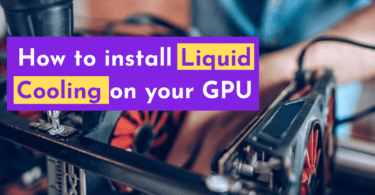
Installing a water cooling or liquid cooling system on your graphics card may seem challenging, but...

Open MSI Afterburner and click settings; make sure “Start with Windows” is unchecked...

Open MSI Afterburner, click Settings, and click “User Interface” on the right tab...
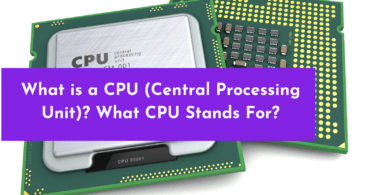
CPU stands for Central Processing Unit. It is a key piece of hardware in a computer that does most...
Here’s a quick and easy way to lower your Windows 10 computer CPU usage. Identify High CPU...
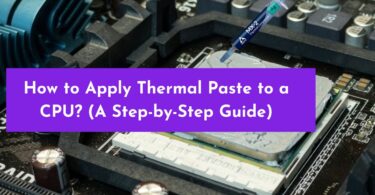
To apply thermal paste to a CPU, first clean the surface of the CPU with isopropyl alcohol and a...
Open MSI Afterburner to the Advanced tab in the upper-right corner. Enable “Unlock voltage control”...
To record with MSI Afterburner, open the program and click on the “Video” tab. You can...

The best way to increase your dedicated VRAM is to upgrade to a graphics card with more VRAM...