
Disabling integrated graphics on your computer is a simple process. Shut down your computer, Open...
Disabling integrated graphics on your computer is a simple process. Shut down your computer, Open...
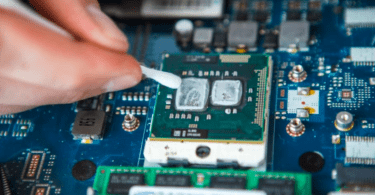
To remove thermal paste from CPU, open the CPU cooler and carefully pull the heatsink out. Remove...
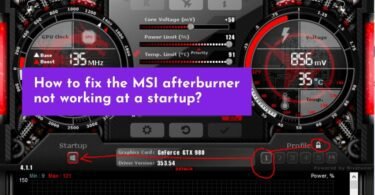
One of the most common issues that users face when using MSI Afterburner on Windows 10 is that it...
To view NVIDIA Shadowplay Highlight, Open GeForce Experience, and Select Settings. Scroll down to...
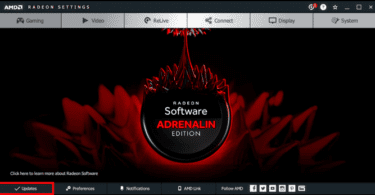
If you need to update your video card on windows 10 or any other platform, hit Windows+X on the...
Various types of Graphic cards are available. Some we categorize as discrete GPUs, and some as...
NVIDIA Reflex is an innovative technology that helps to reduce latency for gamers. It is compatible...

If you want to know how to record with GeForce Experience with NVIDIA Shadowplay, then enable In...
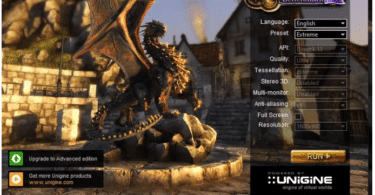
There are two methods of GPU benchmarking. Synthetic benchmarking or benchmarking with the help of...
Are you having trouble detecting your Nvidia graphics card in Windows 10? If so, you’re not...