
The easiest way to check the CPU and GPU temperature in Windows 10/11 is through Task Manager...
The easiest way to check the CPU and GPU temperature in Windows 10/11 is through Task Manager...
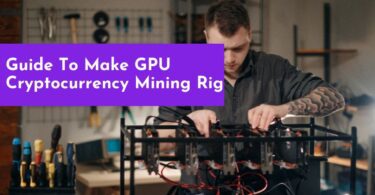
To build a GPU mining rig, you would need a motherboard, storage device, RAM, GPU, PSU, and CPU...

To monitor CPU and GPU temperature, open MSI Afterburner. Head to the monitoring tab and scroll to...

There are many ways to mount your GPU vertically. But the best and most effective is the...
To Uninstall graphic driver, open device manager and select display adapter. Right-click on the...

To ensure your laptop is using the correct graphics card, go to your computer’s “Device...
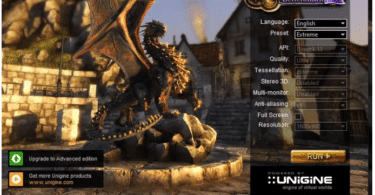
There are two methods of GPU benchmarking. Synthetic benchmarking or benchmarking with the help of...

To reset your graphics driver easily, you can press Windows Key + Shift+Ctrl+B all at once...

There are several ways to check if a crypto mining rig is online; these include: Monitoring through...

If the MSI afterburner is not showing your full voltage, you may need to increase the voltages in...