
Launch the MSI afterburner, and proceed to settings. Further, maximise the temperature and power...
Launch the MSI afterburner, and proceed to settings. Further, maximise the temperature and power...
To disable NVIDIA overlay, open Task Manager, Right-click on NVIDIA GeForce Experience and select...
There are many ways to mount your GPU vertically. But the best and most effective is the...
If you want to switch from AMD to Nvidia Graphics Card, follow these steps. First, download the new...
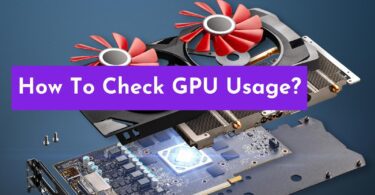
To check the overall resource usage of your GPU in Windows, select the “Performance” tab in Task...
3D rendering is now an important part of many fields, such as architecture, product design, visual...
To factory reset a Windows 10 or Windows 11 computer, go to the Settings app, click on...
A PC compatibility checker tool is the best way to determine PC part compatibility. Input your...
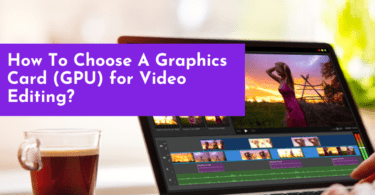
When choosing a graphics card (GPU) for video editing, look for one with a powerful processing...
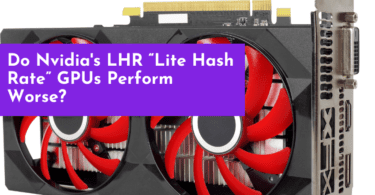
Yes, “Lite Hash Rate” (LHR) GPUs from Nvidia are designed to perform worse compared to...