
The cleaning process of the GPU is a tough task if you are doing it for the first time. But if you...
The cleaning process of the GPU is a tough task if you are doing it for the first time. But if you...

To easily remove a graphics card from a motherboard: Unplug the computer and turn it off. Remove...
It depends; while some laptops come with upgradeable graphics cards, most are designed for...
Open the MSI laptop, go to the Windows troubleshooting screen, click on Restore MSI factory...
To overclock your GPU, open MSI Afterburner OC Scanner and select settings. Select both Voltage...

To underclock GPU in NVIDIA, use MSI Afterburner and select curve editor. Find the optimal settings...
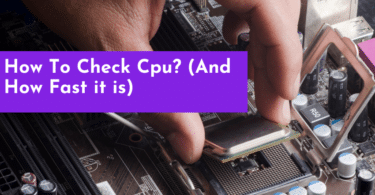
Check Your Computer Specs by opening the Task Manager on Windows 11 or Activity Monitor on Mac to...
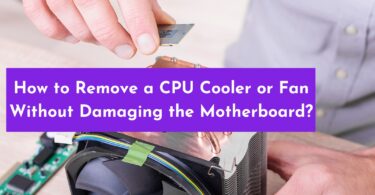
Removing a CPU cooler or fan without damaging your motherboard can be a tricky task. Thankfully...
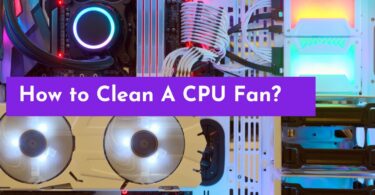
To clean your CPU fan, first turn off and unplug your computer. Then, open the case and carefully...
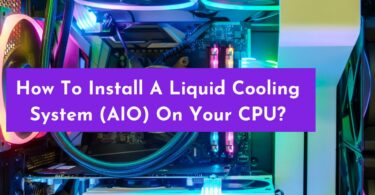
In order to install a liquid cooling system (AIO), you must select the right cooler for your CPU...