
To factory reset a Windows 10 or Windows 11 computer, go to the Settings app, click on...
To factory reset a Windows 10 or Windows 11 computer, go to the Settings app, click on...
With MSI keyboards, pressing the Fn+ key will bring up a menu where you may choose a new color for...
Press the F2 key. Select virtualization technology by pressing the Enter key on the Advanced tab...
Launch the MSI afterburner, and proceed to settings. Further, maximise the temperature and power...

The right Graphic Card is necessary for smooth gameplay and High FPS. Hence, it is important to...
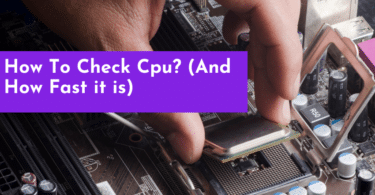
Check Your Computer Specs by opening the Task Manager on Windows 11 or Activity Monitor on Mac to...
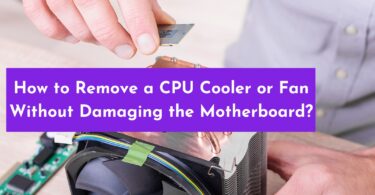
Removing a CPU cooler or fan without damaging your motherboard can be a tricky task. Thankfully...

The best way to ship your graphic card is by using the antistatic bag to protect your graphic card...
Are you looking to learn how to mine with Windows 10? For this, you must configure your settings...

Open MSI Afterburner and click settings; make sure “Start with Windows” is unchecked...